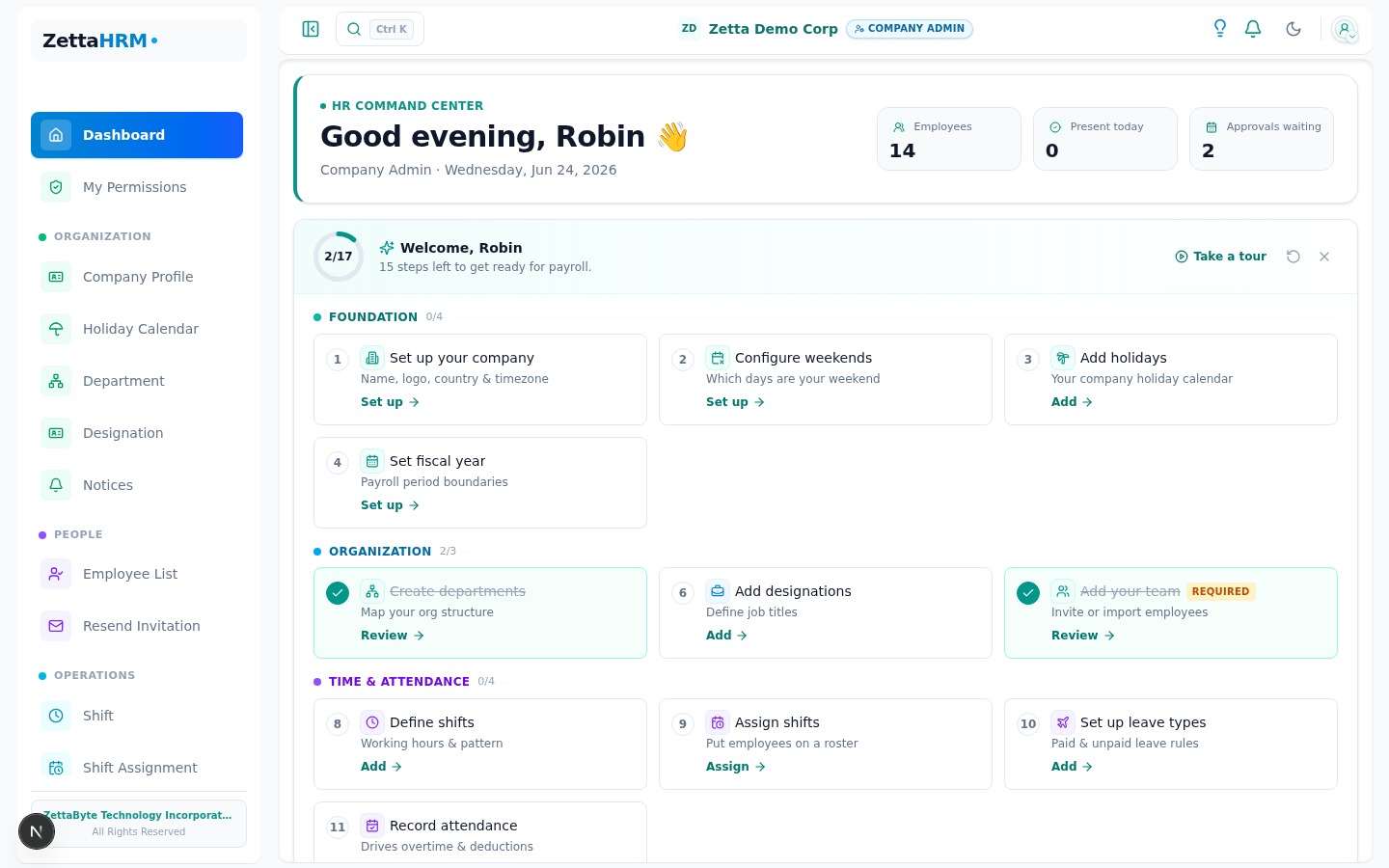
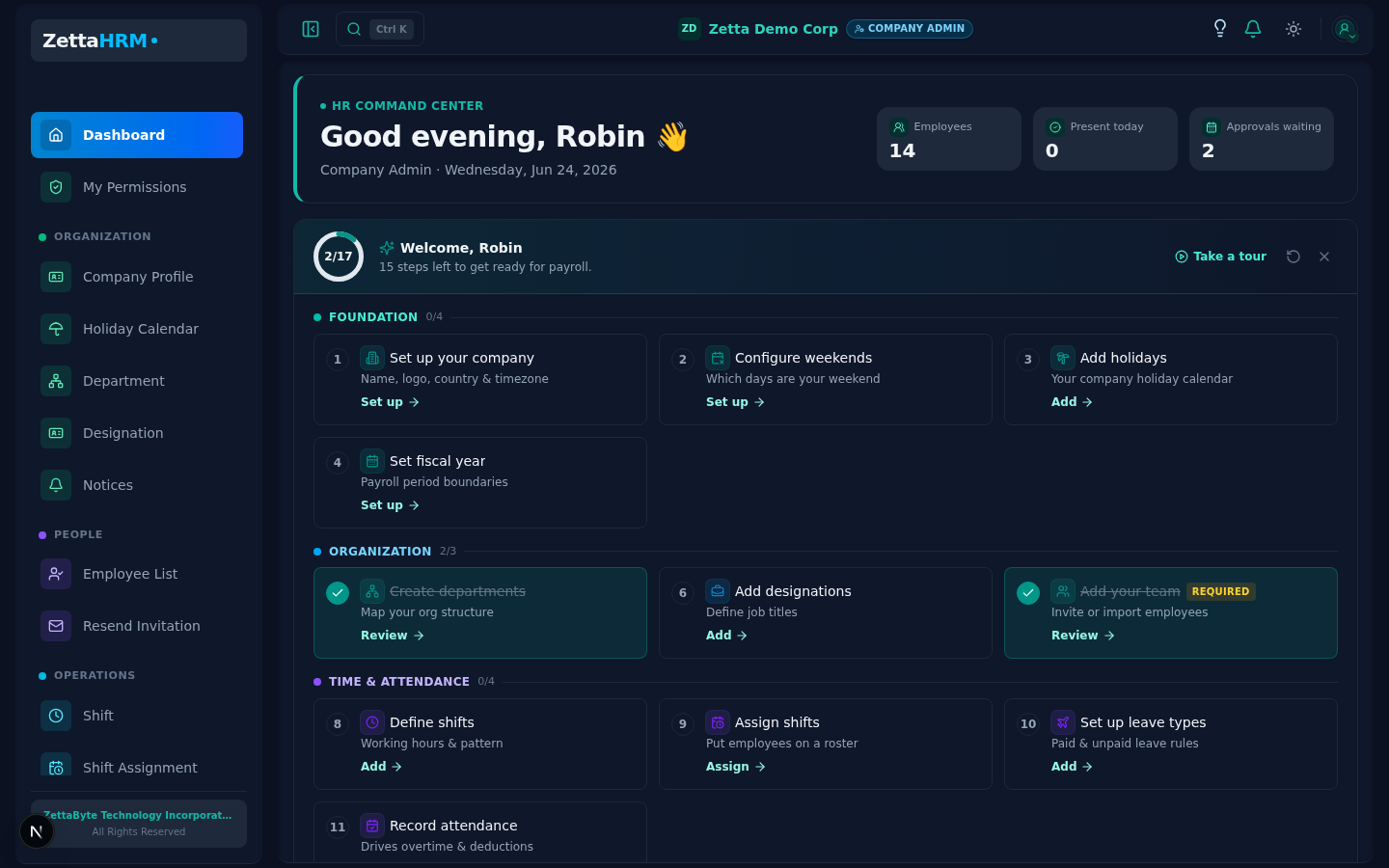
Sarah is now logged in. Since she is the owner of exactly one company, the system skips the company selector and sends her straight to the admin dashboard.
She sees an overview: employee count, pending leaves, today's attendance, upcoming holidays, and quick-action buttons to add employees, configure settings, and run payroll. A banner reminds her that she is on a 14-day trial.
Getting Around
Two ways to move through the app, and both respect what her role and plan allow:
Because every one of these surfaces is built from the same RBAC-filtered menu, they never show a page the user cannot actually open — a pin to a page a user later loses access to simply stops appearing.
Apps launcher. The grid button in the top bar — or ⌘K / Ctrl+K — opens an Odoo-style grid of every page Sarah can reach, with a search box inside it. She types a page name and jumps straight there without hunting through menus.
Sidebar. The full menu is still there, but groups now stay collapsed until opened and remember that choice per person, so a busy admin sees only the sections they use. Larger areas like Payroll are organised into nested submenus rather than one long flat list.
Pinned & Recent. Hovering any page — in the sidebar or the launcher — reveals a pin; pinned pages sit in a Pinned list at the top of the sidebar, and a collapsed Recent list remembers the last handful of pages visited. Both are saved per person on the device, so each user shapes the nav around their own ~10 daily routes without changing anyone else's.
Happy Path
Single company: auto-redirect to role-appropriate dashboard
Multiple companies: show the company selection page, user picks one, context is set, redirect to dashboard
Context cookie stores the active company ID, roles, and permissions for all subsequent requests
Failure Modes
Failure
What the user sees
What happens next
No companies found for user
Error page with contact support
Admin must assign user to a company
Company subscription expired
"Subscription expired, renew to continue"
User is directed to billing page
User role not found
Fallback to base access or error
Admin must assign a role
Edge Cases
Scenario
Behavior
Why
Same role in multiple companies
Select company, then same dashboard type
Consistent experience per role
Different roles across companies
Dashboard adapts to the role in the selected company